
AdGap
Mac, iPhone and iPad. In Safari.
An ad blocker for Safari that keeps working where others are stopped. Period. It is not another copy-paste solution that just loads public blocking lists into your browser engine. We do have our own engine. And it works.
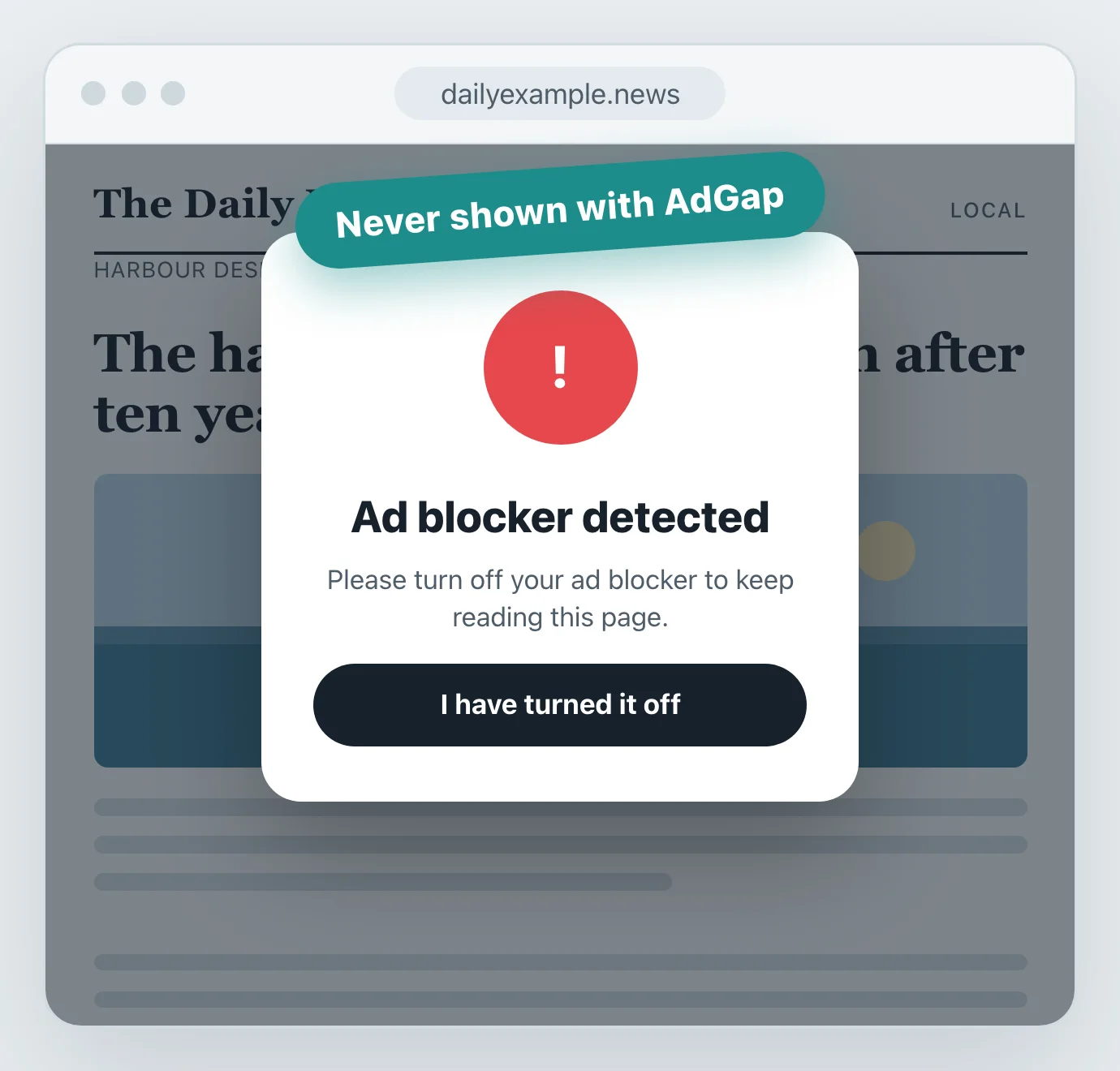
It gets past anti-adblock walls.
Many sites pay for systems that detect ad blockers and lock the page until you turn yours off.
AdGap is tested against the nine most used of these commercial systems, such as BlockAdBlock and ThirdWheel, and gets past all nine top solutions. It also handles harder cases, such as Yandex encrypted ads and the ad-blocker wall on Atresplayer.
You keep reading, with no “please disable your ad blocker” screen.
Five layers, working as one
Each layer catches what the one before it cannot.
- 1. Network blocking
- Blocks the ads before they are downloaded.
- 2. Cosmetic hiding and smart filtering
- What is left of an ad is taken off the page.
- 3. Gap closing
- The empty boxes that blocked ads leave behind are shut, so the page reads as it should. Clean.
- 4. Walls
- Consent walls, ad-blocker walls, cookie notices and newsletter pop-ups are hidden before they are painted, and the page scrolls again. Nothing is clicked for you.
- 5. In-video ads
- Removes the ads that play before and during videos in streaming websites.
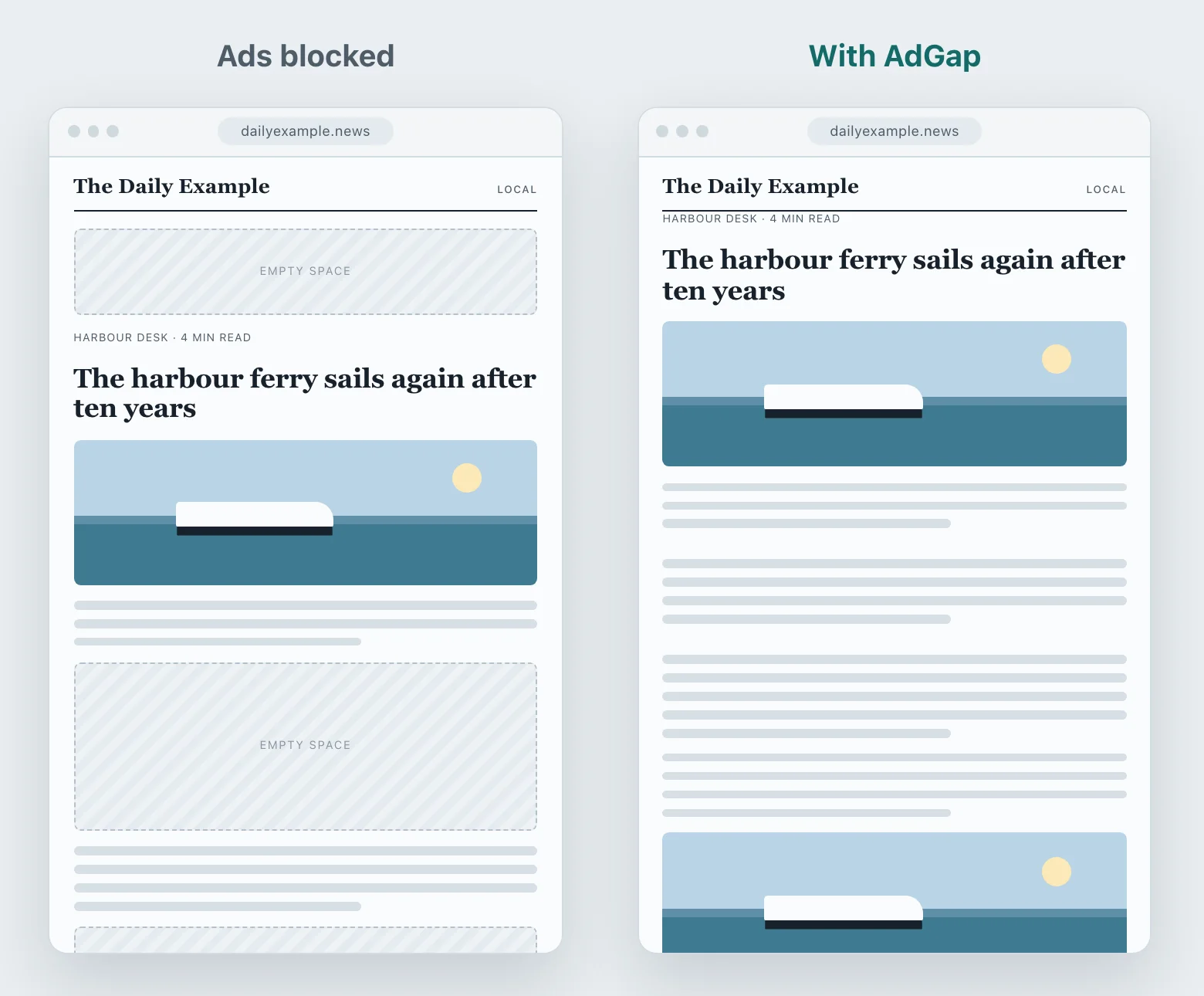
No holes where the ads were.
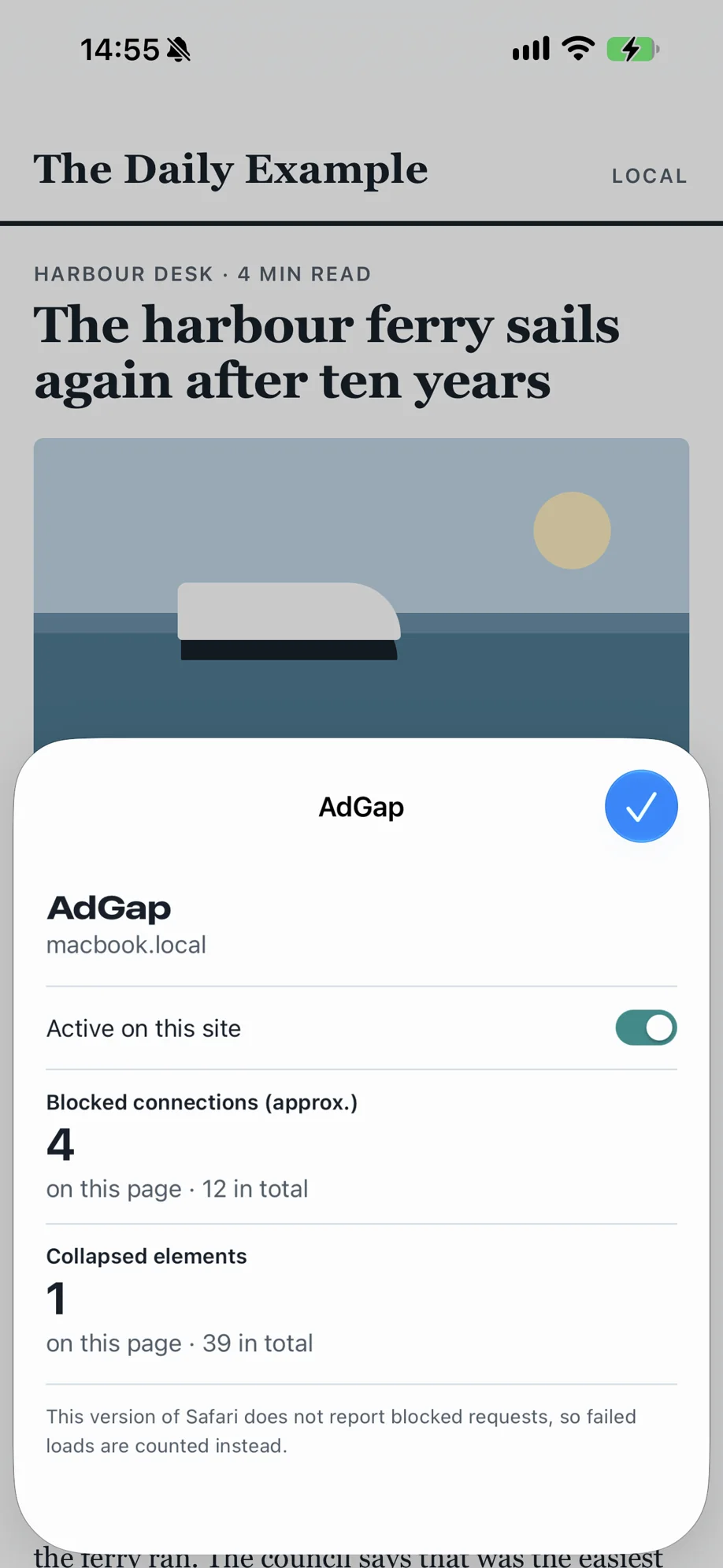
Blocked ads leave empty boxes behind. AdGap closes them, so the page reads as it should.
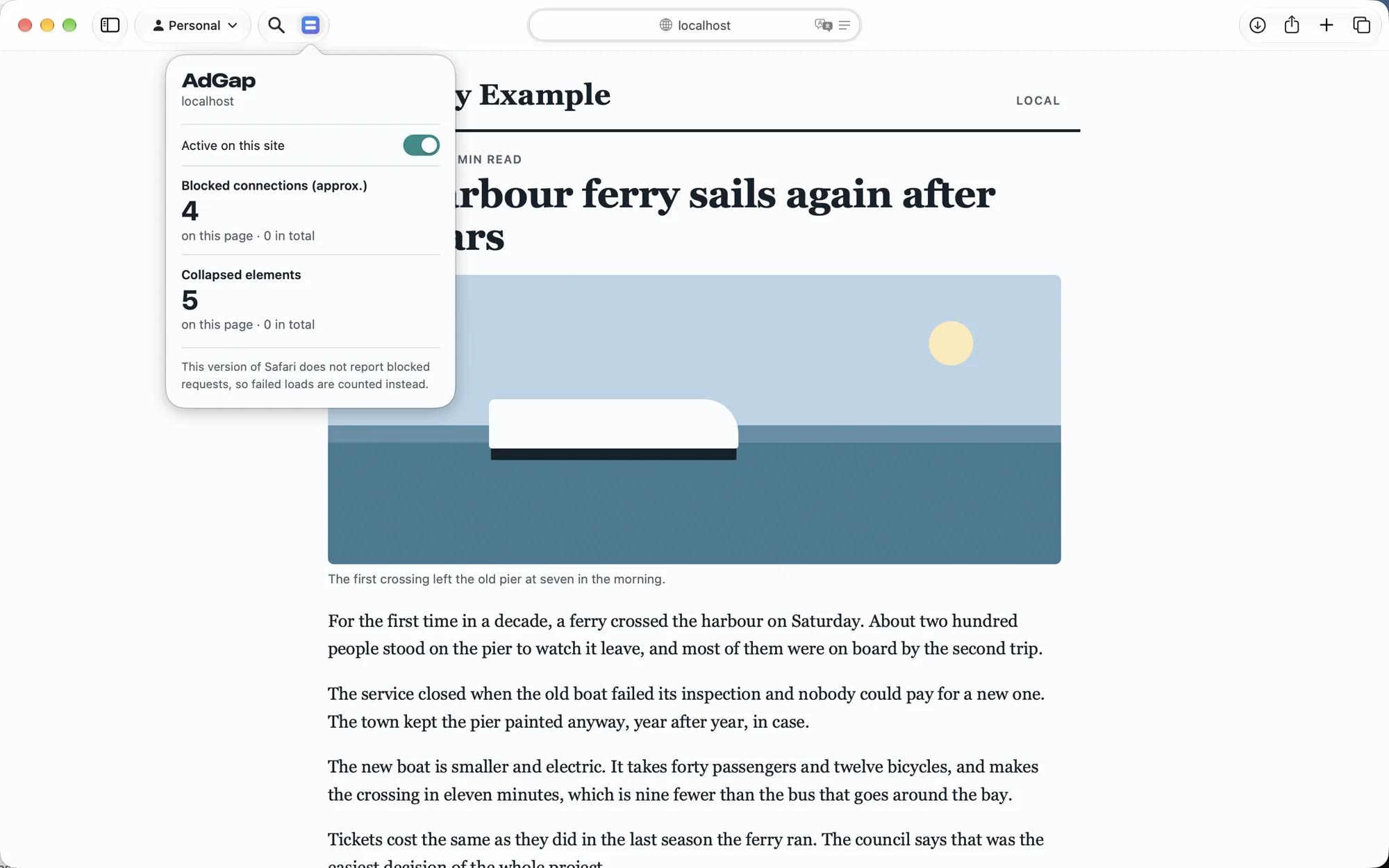
Its button in Safari shows how many connections were blocked and how many empty spaces were closed on each page.
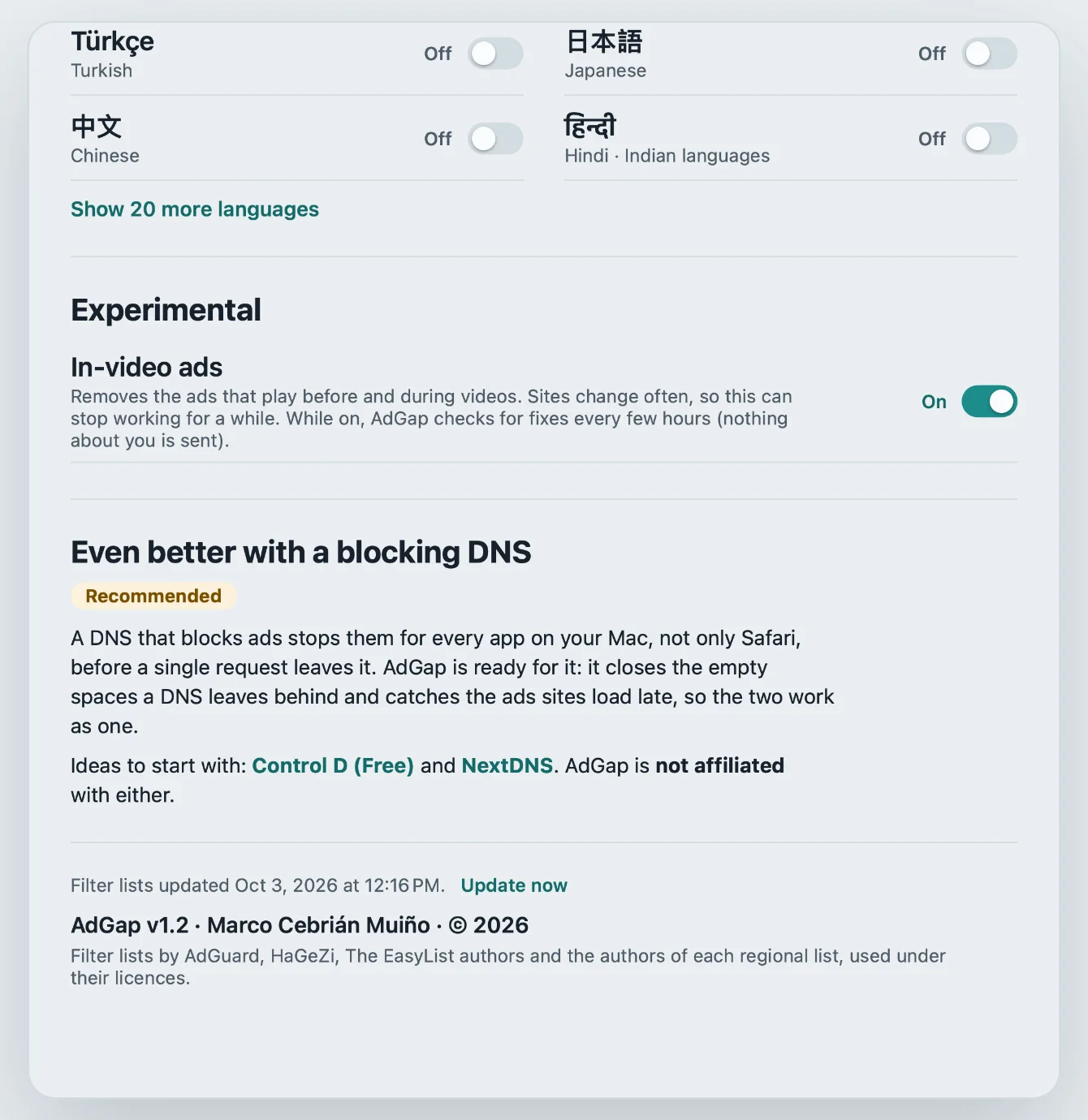
In perfect sync with your blocking DNS.
A DNS that blocks ads protects every app on your device, but in Safari it leaves holes in the page and misses the ads that sites load late.
AdGap is built for that: it closes the holes and catches the late ads, so the two work as one. It also works very well without a DNS.
iPhone and iPad
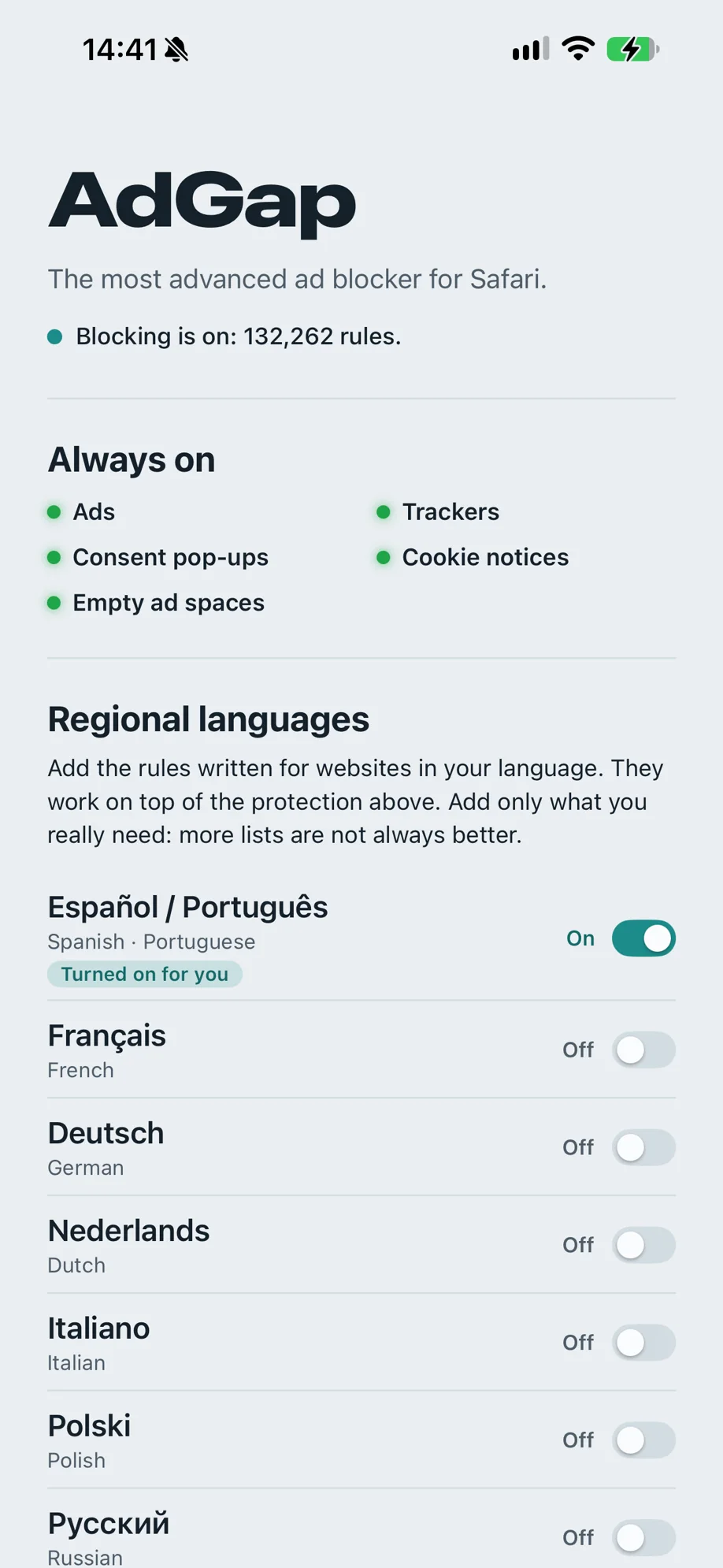
The same five layers in Safari on iOS and iPadOS. Everything is on from the start: add the languages you read, and that is all there is to set.
Faster pages, not slower ones.
Don’t take our word for it. Compare the performance impact using Speed-o-meter 3.1.
Many ad blockers slow pages down, because they run a heavy script on every one. With AdGap pages load faster than without it. The rules run inside Safari’s own blocking engine, so ads and trackers never load, and a smart cache remembers what to hide on each site, so it is gone before the page is painted.
The rest, in short
- Private
- No account, no analytics and no ads of its own. The filter lists are downloaded to your device and the rules are built there. Nothing about you or the pages you visit is ever sent anywhere. Read the privacy policy.
- In your language
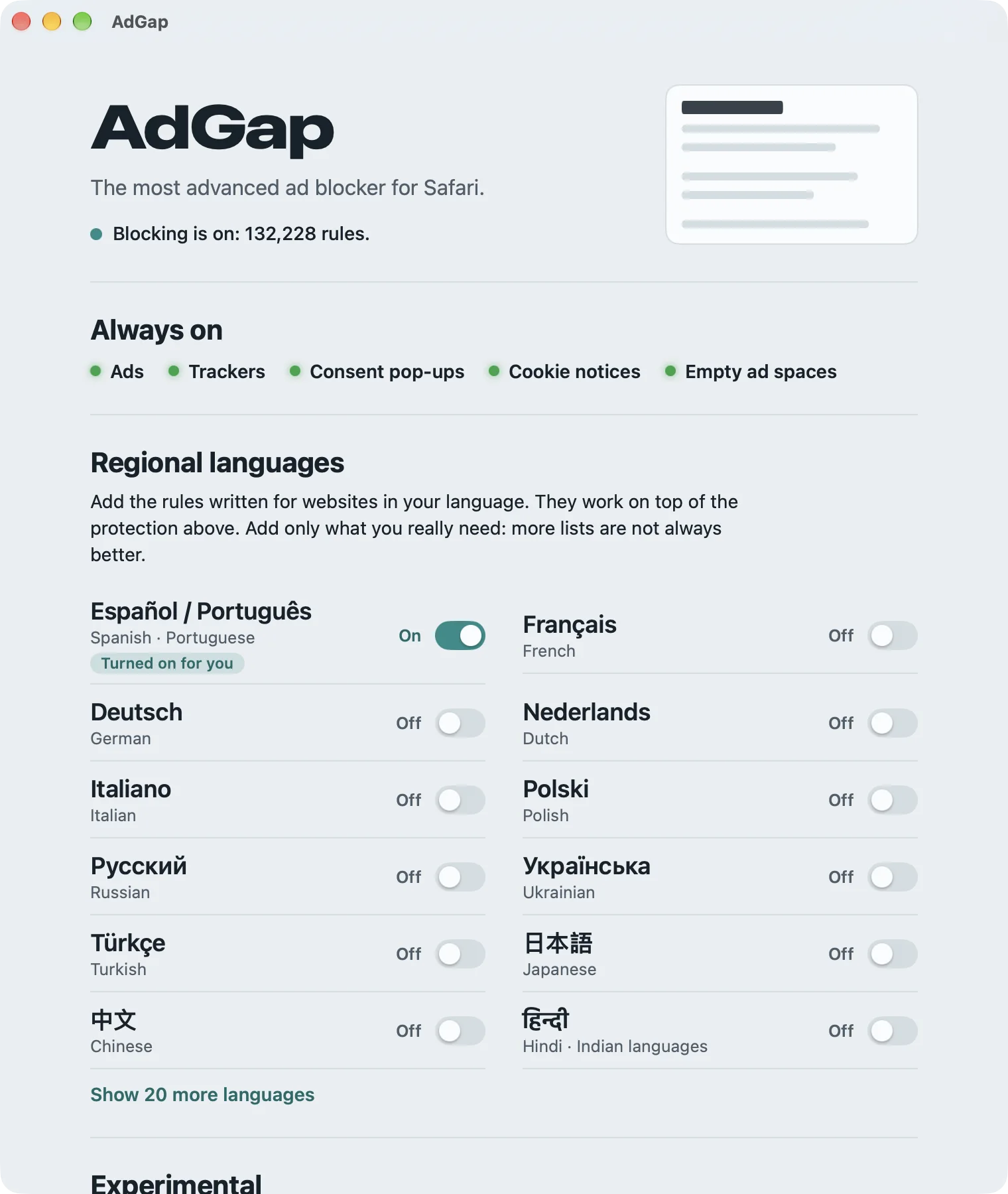
- 32 regional lists cover websites in more than 50 languages. The ones for your languages are turned on for you, and you can add or remove any of them.
- Always up to date
- The lists are refreshed every day in the background. You never have to open the app.
- You stay in control
- Pause AdGap on any site with one switch in Safari. See how many connections were blocked and how many empty spaces were closed on each page.
- Set up in a minute
- The app walks you through turning on its two Safari extensions, then downloads the lists and tells you when blocking is on.
AdGap for Safari
Mac, iPhone and iPad. One-time purchase, 3,99 € or the equivalent in your currency. Coming soon to the App Store. Questions: mcebrian (at) ik.me
For the standard network blocking, AdGap uses a curated set of filter lists by AdGuard, HaGeZi, The EasyList authors and the authors of each regional list, under their licences. AdGap is not affiliated with them, or with any DNS service or anti-adblock vendor named here. Read the terms.